
Theme Preview Ep. 12: Orange
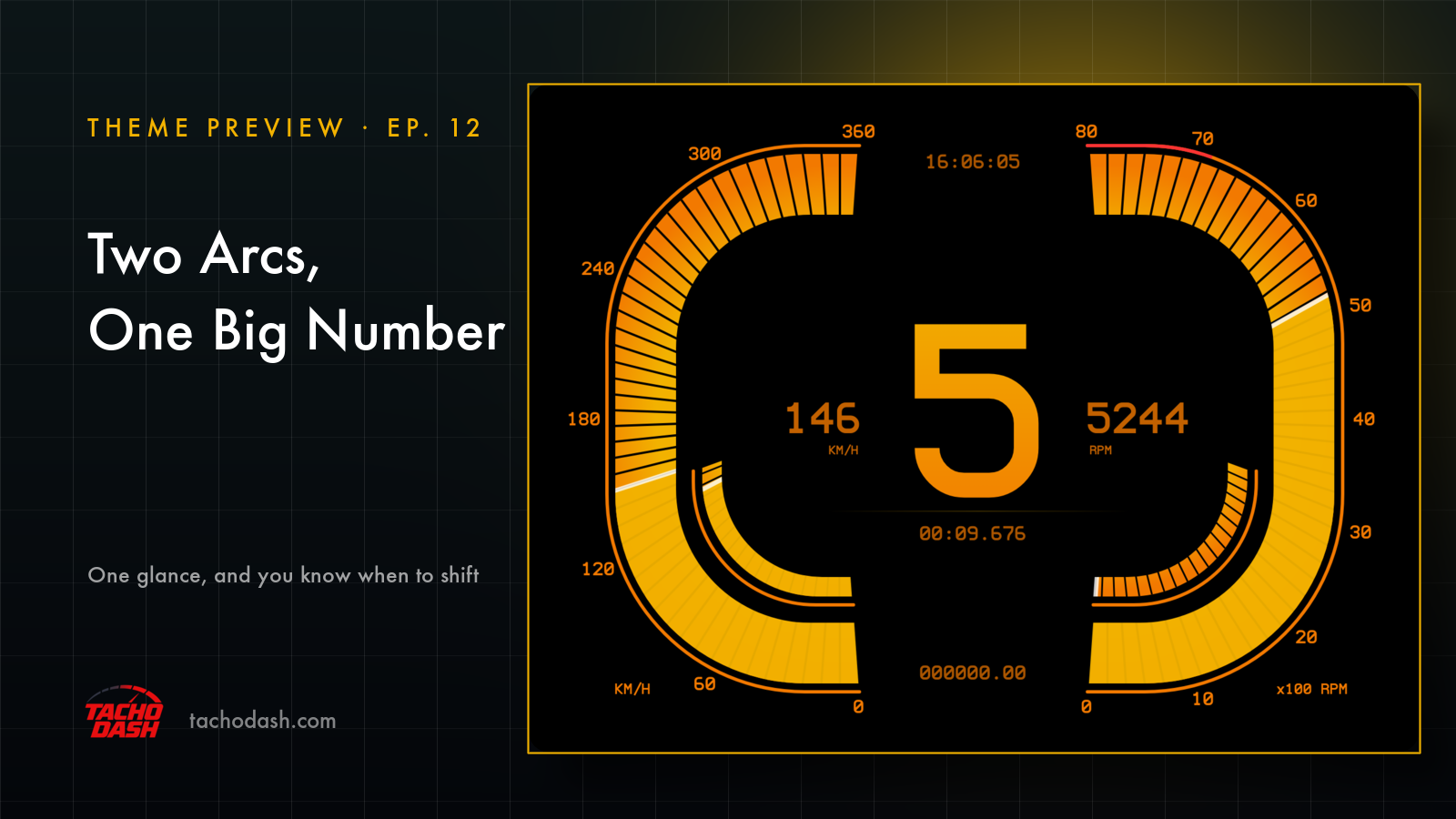
Two glowing bands, one big number. That's the whole screen.
The two bands
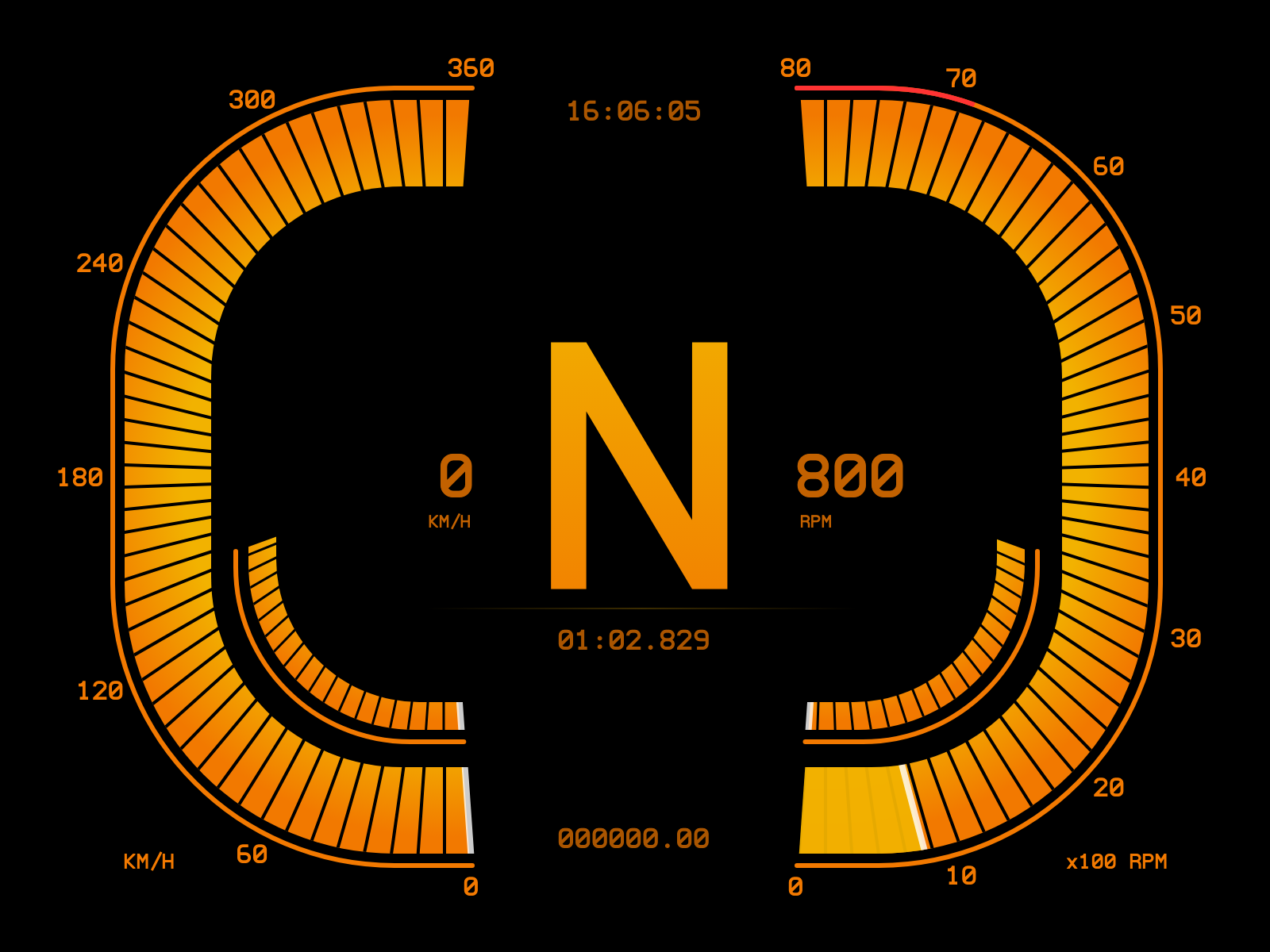
The outer band does speed on the left and revs on the right. Both start at the bottom and climb up towards the top, where they stop short and leave a gap for the clock.
The band is always there in deep orange. The part you've already used is lit brighter, and a thin white line sits right at the end of it — so you read the edge of the light instead of hunting for a number.
The number
The gear. Biggest thing on the screen by a wide margin, orange from one end to the other.
When you shift, the old digit shrinks and slides out to one side while the new one grows into the middle. And when you're at the shift point, the digit turns red. Not a light somewhere on the edge — the number itself.
Inside the frame
Speed sits to the left of the gear with its unit under it, revs to the right. Clock up top. Lap time under the number. Odometer at the bottom. All in the same orange, all quiet.
The inner band is the pedals: brakes on the left, throttle on the right, lit up as you use them.
Two colours
Two things you can change: the warm orange — the lit arcs and the bright end of the gradient — and the deeper orange that draws the borders and the readouts. Everything else stays black.
Using your phone as a dash
Phone and game on the same Wi-Fi and the numbers come straight over — no PC in between. Setup is three steps, linked below.
How to switch
- Turn on data output in the game — Horizon setup or Motorsport setup.
- Open Themes in the app, search
Orange, and download it. - Tap Apply. Your connection settings stay where they were.
Which games
Every Forza the app supports: FH5, FH6, FM7, FM2023.
Links
- TachoDash on the App Store
- TachoDash on Google Play
- The theme page
Get TachoDash:

