
Theme Preview Ep. 11: Big Ring
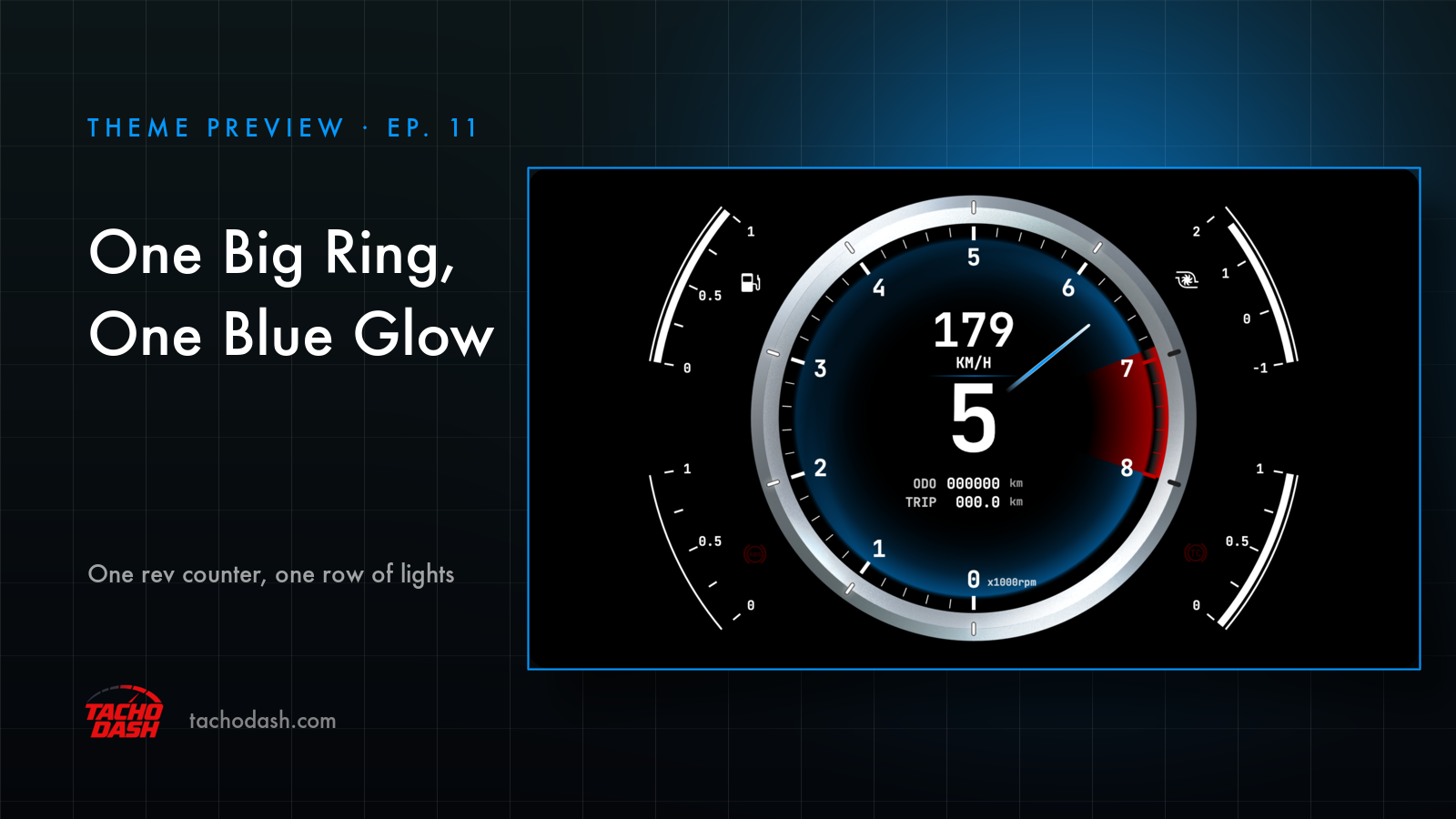
One ring, the size of the screen. Metal on the outside, blue light on the inside, revs all the way round.
The ring
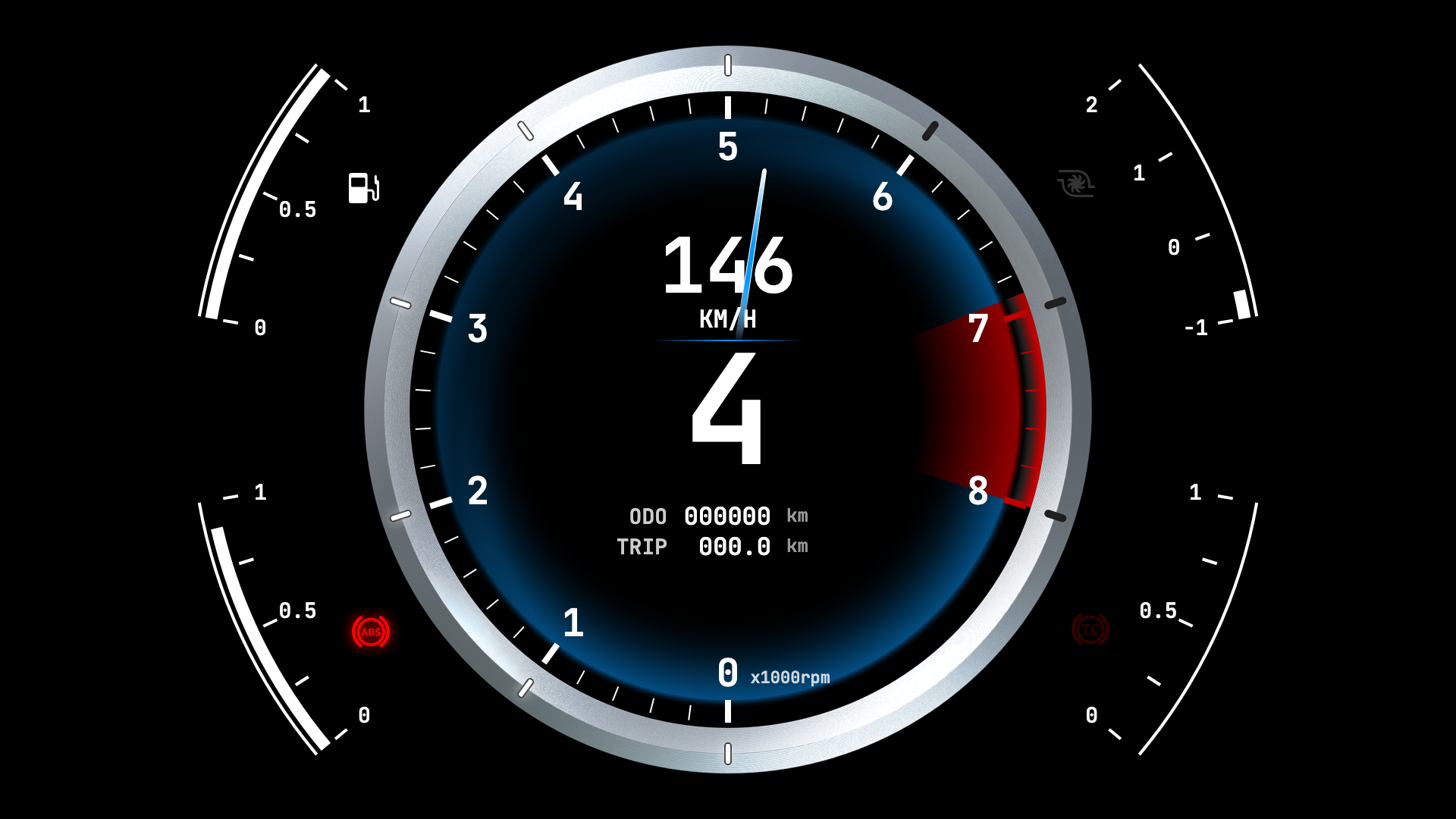
The rev scale wraps the whole circle — 0 at the bottom, then 1 to 8 on around, with a small x1000rpm next to the zero so you don't have to count them. The numbers sit upright instead of tipping over with the curve, so the 3 on the left and the 7 on the right read the same way.
A thin blue needle goes round it.
The lights
There's a row of small slots set into the metal ring, one for every thousand revs. Each one comes on when the needle gets to it, so the row fills up from the bottom of the dial, up the left side, over the top and down the right as you climb.
Get into the redline and the whole row goes red and flashes — on, off, on, off, no fade, for as long as you stay in there. The blue inside the ring goes red at the same moment.
The red sector
On the right, a solid red wedge. It starts at whatever revs your car wants you to shift at and runs to the end of the scale, so it comes out a different width in every car.
In the middle
Speed first, big, with the unit under it and a thin blue line below that. Then the gear — the largest thing on the screen. Under it the odometer and the trip, in whatever distance unit you've set.
The four arcs
Outside the ring, four arcs hug the corners, each with its own icon and its own little numbers:
- top left — fuel, 0 to 1
- top right — boost, −1 to 2
- bottom left — brakes, 0 to 1
- bottom right — throttle, 0 to 1
The ABS and TC marks stay dim until they actually do something, then they light up red.
Two colours
Two things you can recolour: everything white — numbers, ticks, arcs, icons and those lights — and the blue accent, which is the glow inside the ring, the needle and that thin line under the speed.
Using your phone as a dash
Phone and game on the same Wi-Fi and the numbers come straight over — no PC in between. Setup is three steps, linked below.
How to switch
- Turn on data output in the game — Horizon setup or Motorsport setup.
- Open Themes in the app, search
Big Ring, and download it. - Tap Apply. Your connection settings stay where they were.
Which games
Every Forza the app supports: FH5, FH6, FM7, FM2023.
Links
- TachoDash on the App Store
- TachoDash on Google Play
- The theme page
- Running it on a spare phone? Come hang out — discord.gg/8NuNrawqvw
Get TachoDash:

