
Theme Preview Ep. 10: LED Matrix
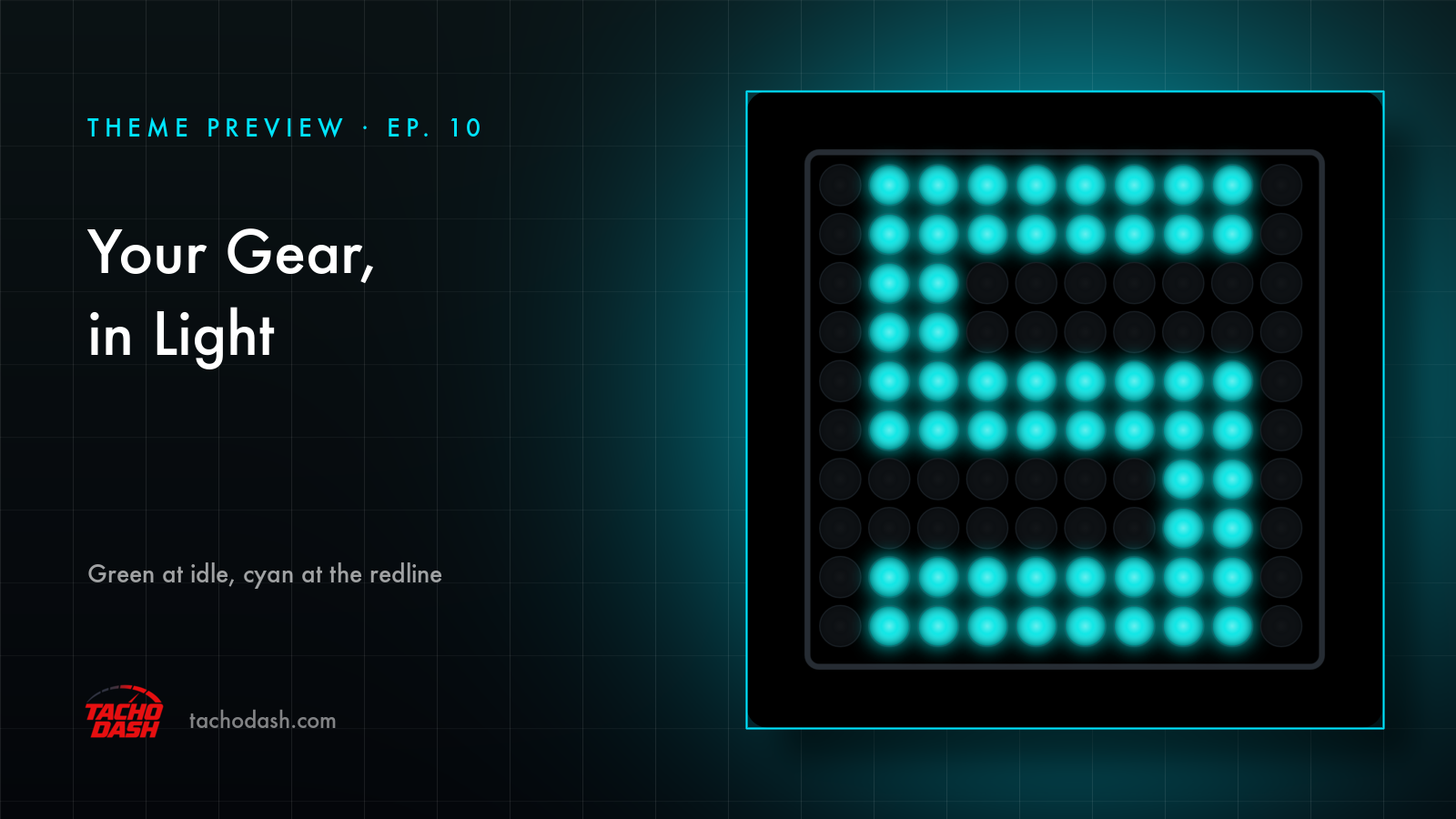
Nothing on the screen but a square of small round lights sitting in a thin grey frame. The ones that are on spell your gear.
Just the gear
No speed, no rev numbers, no fuel or temperature. This screen answers one question: which gear are you in. First through tenth, plus N and R — each one a little pixel character made of lit dots.
The colour is the rev counter
Low down the character is green. Push towards the redline and it slides into cyan.
These two frames are both first gear:
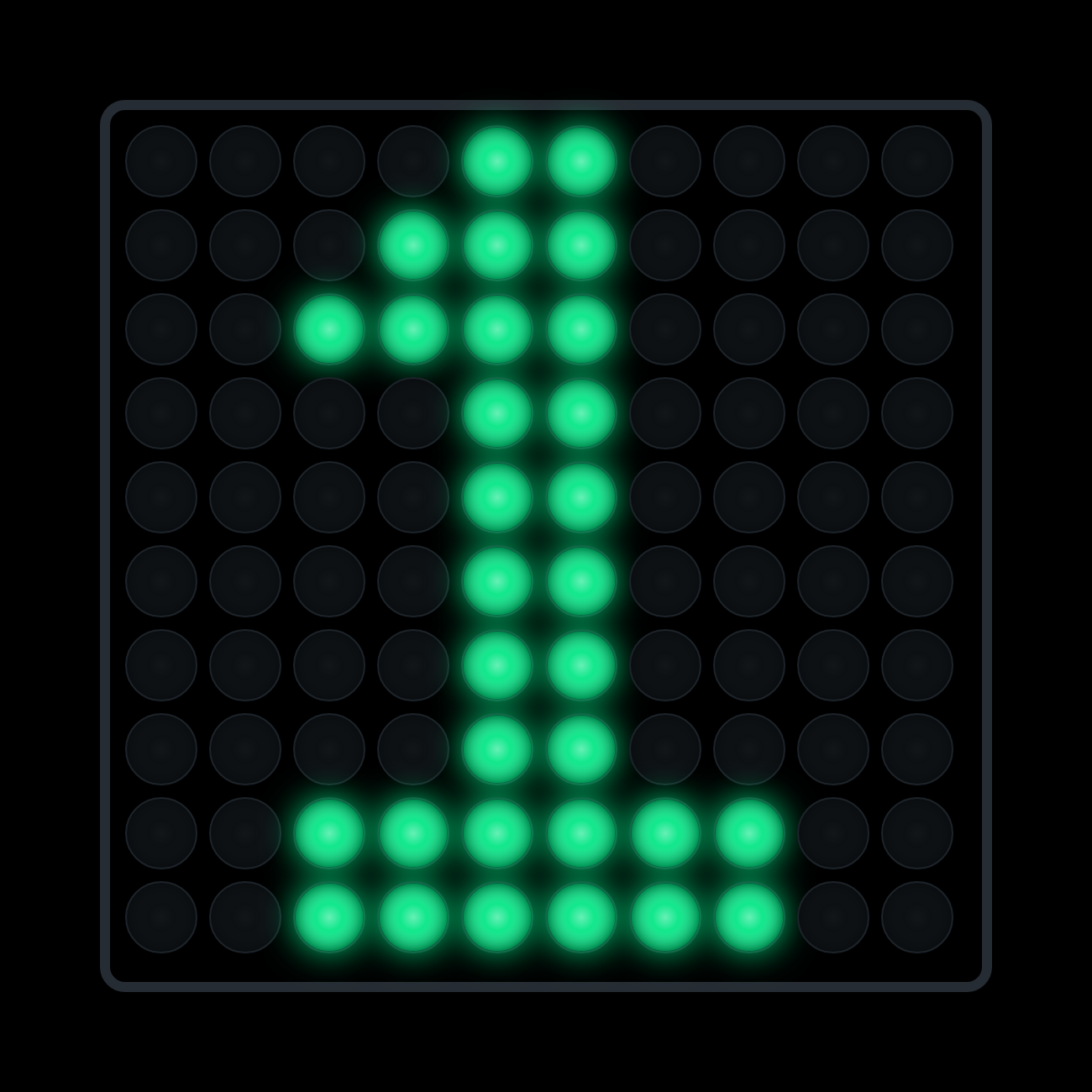
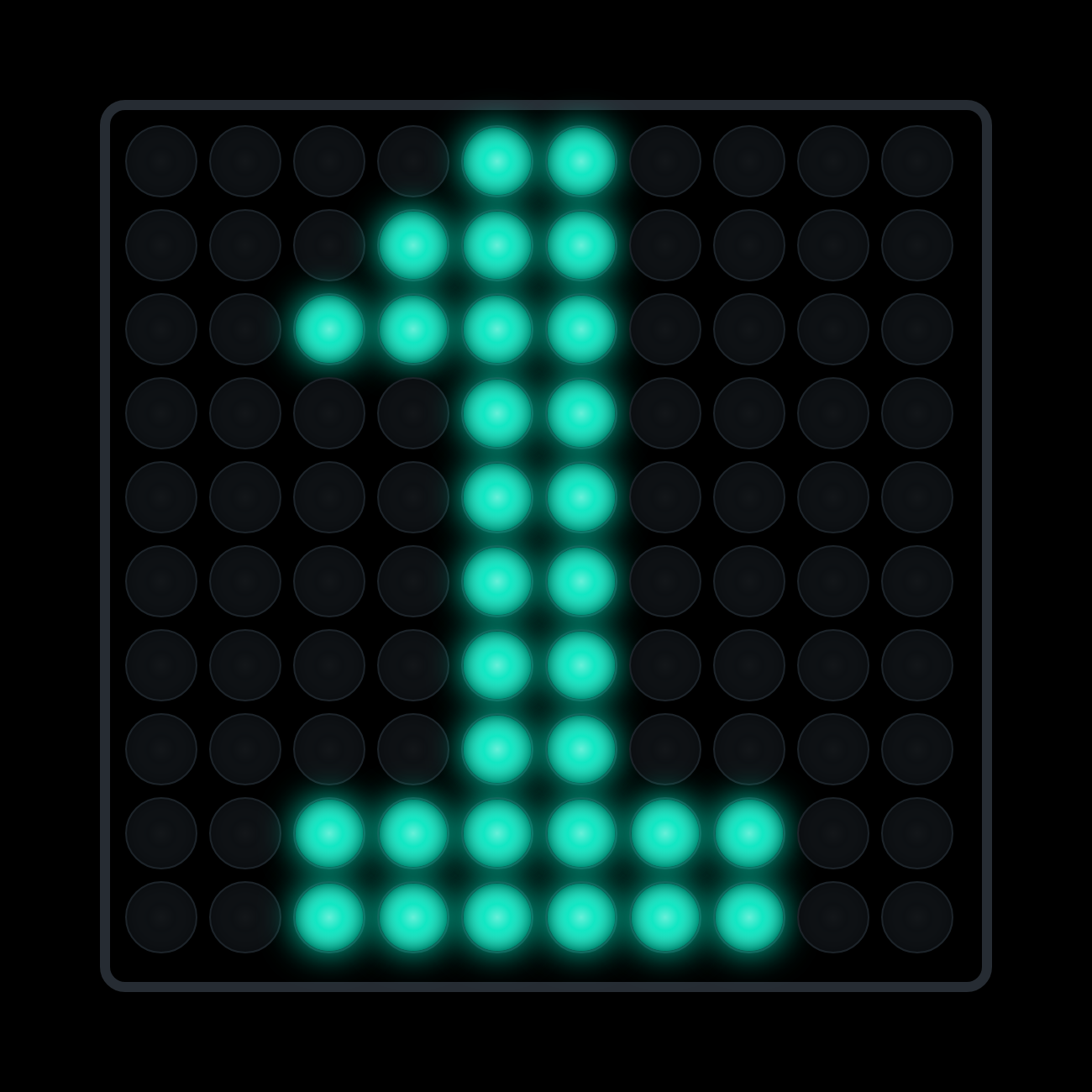
Same digit. Different colour. That colour is the only rev reading you get.
Red up, blue down
When it's time to shift up, the panel starts flashing red — the whole board, not one little light in a corner. Time to go down a gear and it turns blue instead.
How fast it flashes is yours: solid, or anywhere from slowest to fastest.
Ignition
Switch on and the matrix runs a self-test first — the lights sweep on one after another in a snake across the panel, blink twice, then settle on your gear.
ABS and traction, if you want them
Both are off by default. Turn one on and the panel lights up edge to edge when it kicks in, in whatever colour you pick.
Free
It's free. Download it and take it for a lap.
Using your phone as a dash
Phone and game on the same Wi-Fi and the numbers come straight over — no PC in between. Setup is three steps, linked below.
How to switch
- Turn on data output in the game — Horizon setup or Motorsport setup.
- Open Themes in the app, search
LED Matrix, and download it. - Tap Apply. Your connection settings stay where they were.
Which games
Every Forza the app supports: FH5, FH6, FM7, FM2023.
Links
- TachoDash on the App Store
- TachoDash on Google Play
- The theme page
- Running it on a spare phone? Come hang out — discord.gg/8NuNrawqvw
Get TachoDash:

