
Theme Preview Ep. 9: GTR
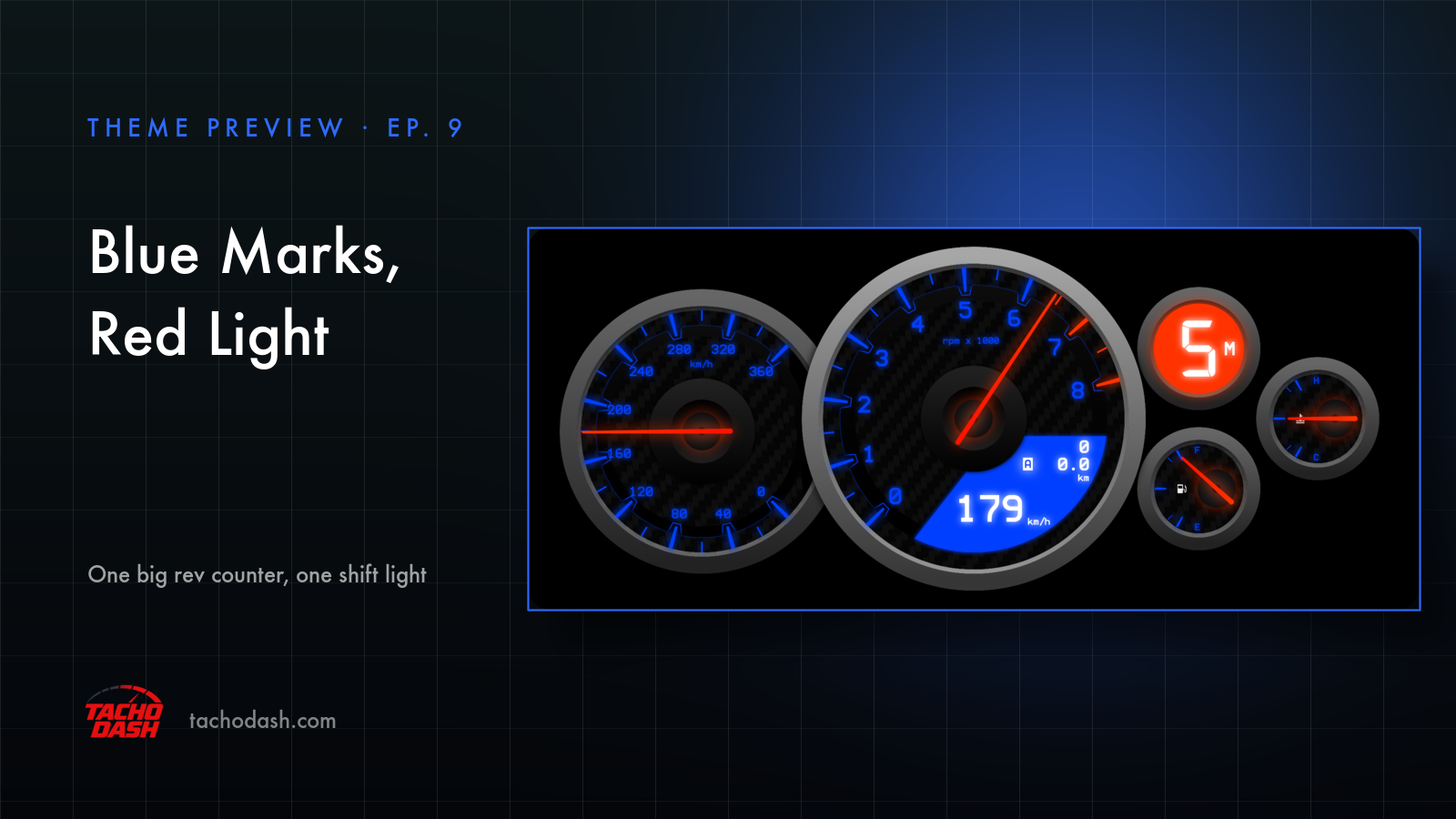
Black screen, blue marks, red needles. One big dial in the middle.
The big one
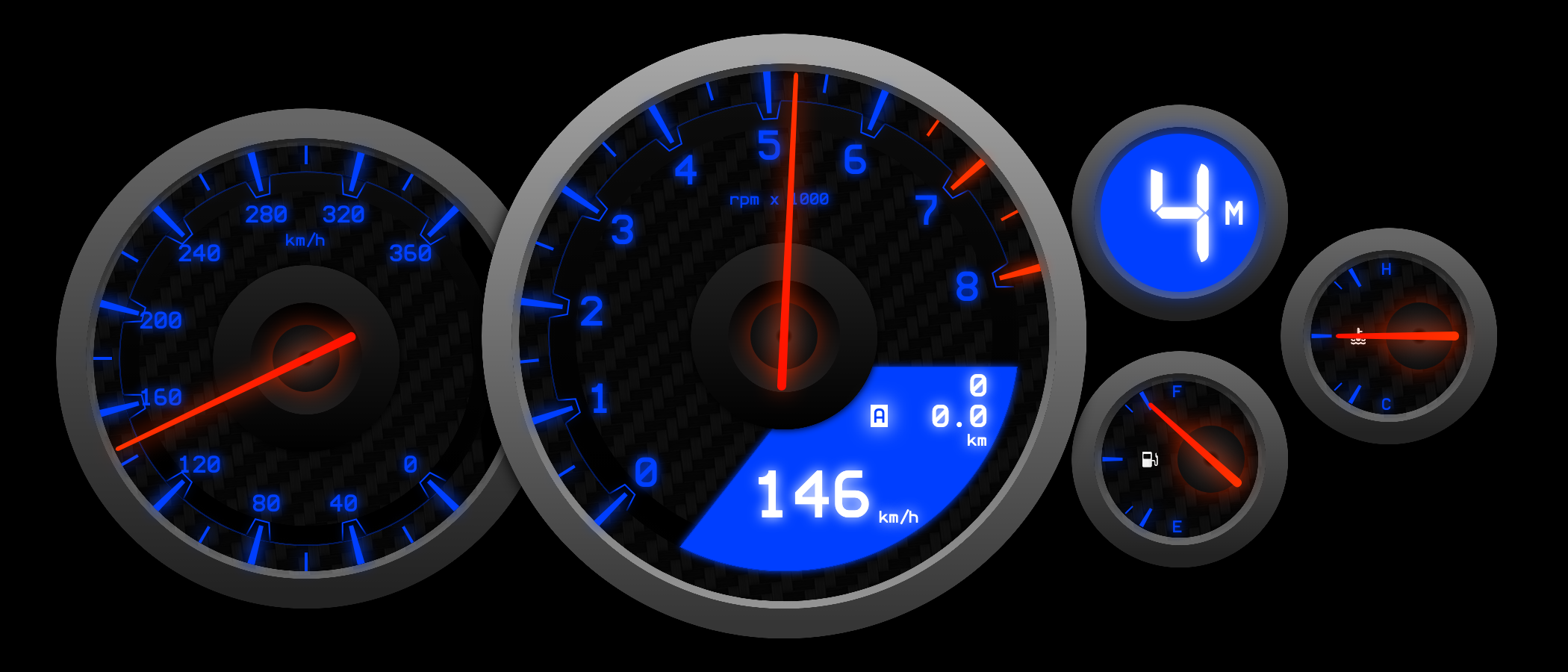
The rev counter takes up most of the screen: 0 to 8, rpm x 1000 at the top, thin blue marks that glow at night, and a long red needle sweeping across them. The last few marks at the top are red.
Around it: a speedometer on the left, 0 to 360, same blue marks, same red needle.
The round light
Top right there's a round blue light with the gear number inside. When it's time to shift, the whole circle turns red. You don't read it — you just catch it going red in the corner of your eye.
That's the one in the picture above: fifth gear, circle red, 179 km/h.
Speed down in the corner
Lower right, inside the rev counter, a solid blue wedge holds the speed in big white numbers. Above it the trip and the odometer, same white.
The two small ones
Oil temperature top (H to C), fuel underneath (F to E), both with red needles. Deliberately small — you glance at them, you don't watch them.
Night
At night everything goes blue. Leave the display mode on Auto and it switches by the clock, or lock it to Day or Night yourself.
Using your phone as a dash
Phone and game on the same Wi-Fi and the numbers come straight over — no PC in between. Setup is three steps, linked below.
How to switch
- Turn on data output in the game — Horizon setup or Motorsport setup.
- Open Themes in the app, search
GTR, and download it. - Tap Apply. Your connection settings stay where they were.
Which games
Every Forza the app supports: FH5, FH6, FM7, FM2023.
Links
- TachoDash on the App Store
- TachoDash on Google Play
- The theme page
- Running it on a spare phone? Come hang out — discord.gg/8NuNrawqvw
Get TachoDash:

