
Theme Preview Ep. 13: MX-5 Cup
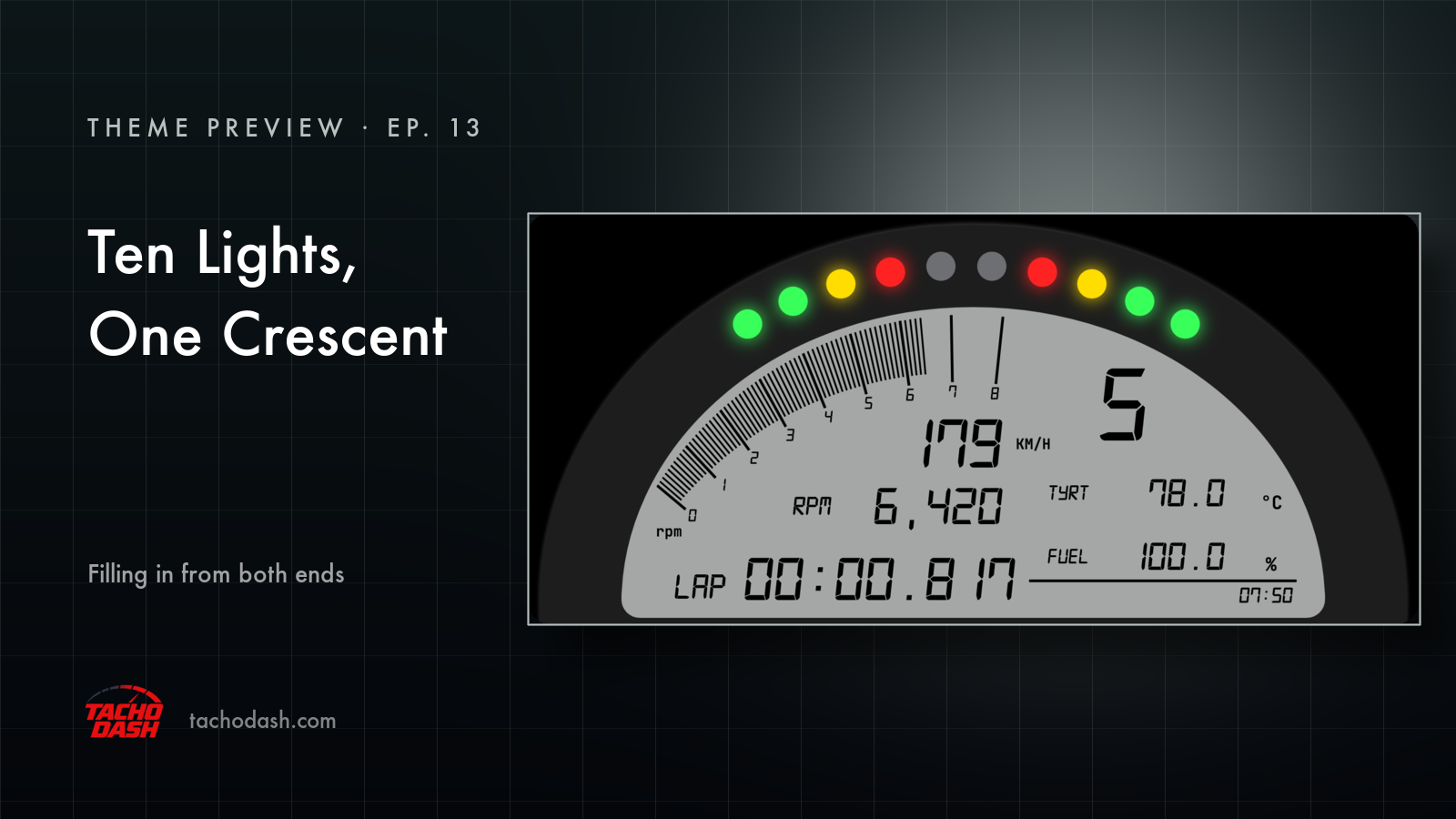
Ten lights over a flat grey arc. That's the first thing you notice.
The lights
They sit along the top edge, mirrored left and right. Green at the outside, yellow further in, red near the middle — and they fill in from both ends towards the centre as the revs climb. So you read the gap, not the count: the red pair in the middle still dark means you have room, and once they light, the whole row flashes red at you.
In the shot above, four have lit on each side and the two in the middle are still grey. Fifth gear, 179 km/h.
The crescent
Over on the left there's a crescent of thin radial lines — a rev counter built out of hairlines instead of a needle. They come on one by one as the revs rise, so the crescent goes from empty to solid. The scale numbers run along the inside of them, and rpm is tucked at the bottom left.
The panel
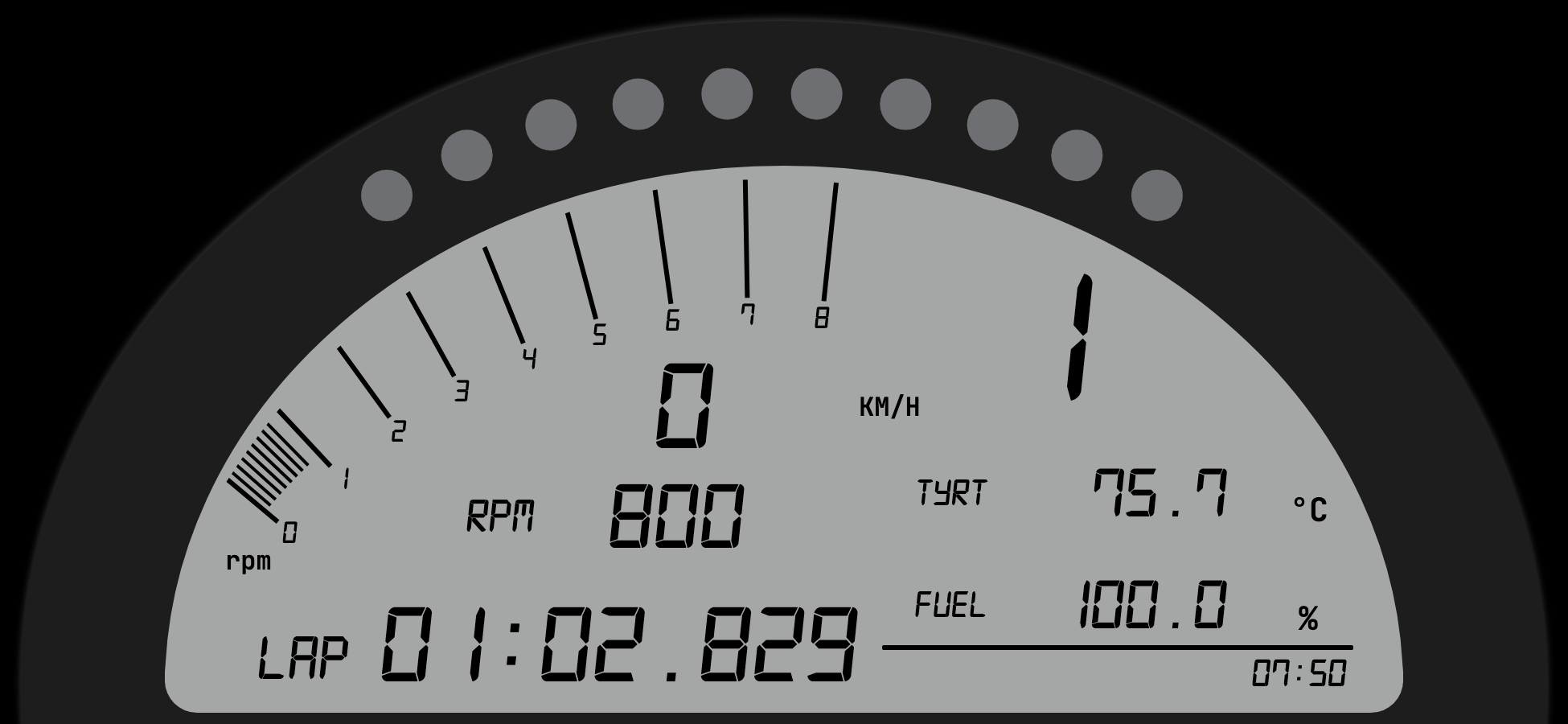
One grey arc, wide and flat, with black digits on it. Speed and revs in the middle, the gear in the top right as the biggest thing on the screen, lap time down at the bottom left, tire temperature and fuel over on the right, the time of day in the corner.
Nothing else on this one blinks for attention. The lights do the talking.
Two colours
Two things to change: the grey of the panel, and the black of everything printed on it. Set the panel dark and bring the digits up light and you get a different dash entirely — same layout, opposite mood.
Using your phone as a dash
Phone and game on the same Wi-Fi and the numbers come straight over — no PC in between. Setup is three steps, linked below.
How to switch
- Turn on data output in the game — Horizon setup or Motorsport setup.
- Open Themes in the app, search
MX-5 Cup, and download it. - Tap Apply. Your connection settings stay where they were.
Which games
Every Forza the app supports: FH5, FH6, FM7, FM2023.
Links
- TachoDash on the App Store
- TachoDash on Google Play
- The theme page
Get TachoDash:

