
TachoDash 1.6.3: A Shift Light That Learns Your Car
# TachoDash 1.6.3: A Shift Light That Learns Your Car
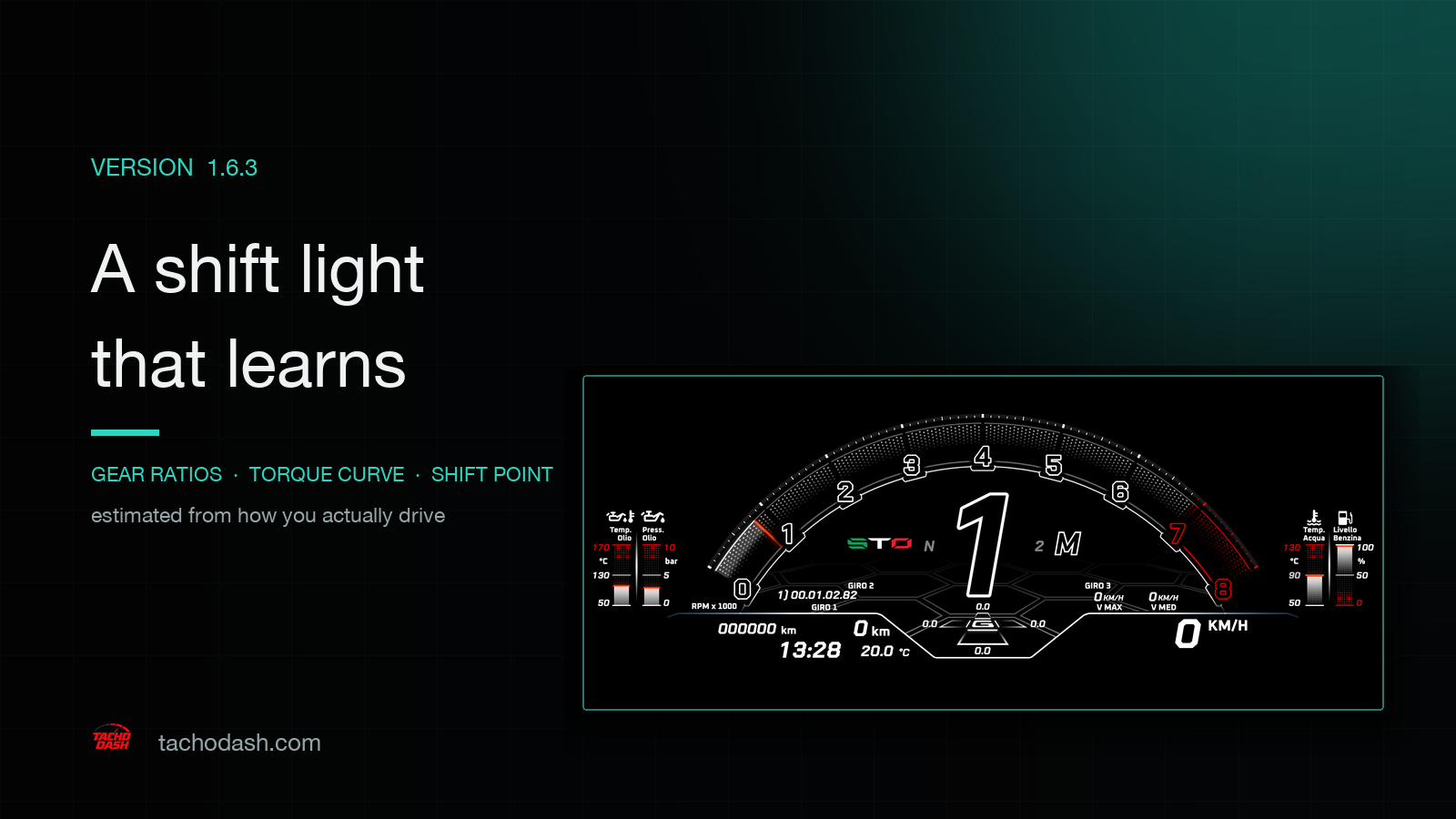
1.6.3 is a one-idea release: the shift reminder has a new algorithm. Shift lights, shift zones and shift tables — every theme that reads the built-in _shift_reminder — now get their thresholds estimated from how you actually drive, instead of a fixed RPM.
The rest is cleanup: another pass on the theme market's image view, and one settings entry that should not have been there.
Why a shift light deserves its own release
A shift reminder sounds like "light up at some RPM". The hard part is that the RPM depends on the car. On the same engine, second and third gear do not shift at the same point; change the final drive or the tyres and the point moves again.
The old approach read a single RPM ratio at the moment of a shift and treated it as the gear ratio. The problem is obvious in hindsight: the shift is the dirtiest moment in the data — clutch, fuel cut and wheel-speed jitter all at once. Some cars learned quickly and some learned badly, and a shift light that fires early or late is a light you learn to ignore.
1.6.3 splits this into three separate estimates, each accepted only when the data deserves it.
Gear ratios: from "the instant of a shift" to "a rolling window"
The new estimate uses engine RPM ÷ driven-wheel angular speed over a rolling window, taking the median rather than a single point at the shift. A gear is only considered locked when the spread inside that window (p90 − p10) stays under 2%; and only when two neighbouring gears are both locked do they take part in solving the shift point.
The cost is that it learns more slowly — you have to actually drive a stretch before a gear locks. The benefit is that what it learns is stable, and one noisy shift cannot drag the whole set of thresholds off. Slower, but right.
Torque curve: full-throttle samples only
The shift point depends on whether pulling further still makes power. 1.6.3 builds that curve only from samples at throttle ≥ 85%; unsampled regions are marked with a sentinel instead of being interpolated from part-throttle points.
That fixes a subtle failure: at part throttle, power really does drop — not because the engine has run out, but because you are not asking for it. Those samples used to slip into the curve and create a fake falling edge, which pulled the shift point early.
The shift point: conservative by design
The solver takes the last negative-to-positive crossing after the power peak, requires the crossing to sit at or above the 55% line, and requires the compared interval to be continuous. When there is no valid solution it falls back to the R line (idle + 85% of the range) rather than conceding to a lower RPM.
In driving terms: when it is not sure, the light waits. It does not tell you to shift early. Shifting early costs acceleration; waiting costs a little RPM. For a dashboard whose value is how it looks and feels, that is the right direction to be wrong in.
Confidence only moves up (1 → 2 → 3; one bad sample cannot demote it). Gearbox-level or engine-level invalidation resets the learning. The cache moves to v2 and old entries are discarded, so for the first few kilometres after updating the light will sit in its conservative state. That is expected.
No theme changes required
Shift logic is a platform capability, not a per-theme implementation detail. Every theme that reads _shift_reminder.up_shift_rpm / up_shift_light / shift_table picks up the new algorithm when the app updates — the theme itself does not need to be re-downloaded.
If the theme you use has a shift light, a shift zone or a shift table, this release gives it a brain that knows the car better.
Image view, cleaned up
1.6.1 moved the theme market to image view; 1.6.2 and 1.6.3 have been fixing the details:
- Card width follows the preview's real aspect ratio, so wide and narrow screenshots stop compromising with each other.
- The action threshold is computed at one quarter of the row width, so nothing spills off narrow screens.
- Floating buttons are gone from the cards; actions sit where they belong.
- Previews get a border, so dark dashboards no longer dissolve into a dark background.
- Theme names hug the bottom edge of the image instead of floating in space.
None of this changes how you browse. It makes one screen of themes look like a set rather than a pile of mismatched screenshots.
One settings entry removed
"Game settings" is gone from the settings page. It was never a player-facing parameter, and having it there implied you had to configure something.
Values you already saved still apply. They continue to feed the _game_settings computed fields that themes read; there is simply no UI to change them any more. No theme needs to change.
What has not changed
- The connection is the same native UDP link over Wi-Fi; port, forwarding and unit settings are untouched.
- Themes are still delivered through the market, independently of app releases; app and theme versions are not tied together.
- Free and premium themes work the way they did; nothing was moved behind a paywall in this release.
- Shift learning stays on your device and is not uploaded.
If the shift light feels wrong after updating, drive a few kilometres and let it finish learning before judging it — the early stretch is deliberately conservative. If it still looks off, tell us the car and the game version: [email protected].
Get TachoDash
TachoDash is available on the App Store and on Google Play. Browse the theme library to see what the app looks like before installing, or start with dashboard not moving when you connect the game for the first time.
TachoDash is an unofficial fan-made project, not affiliated with Playground Games or Microsoft.
Get TachoDash:

