
TachoDash 1.6.0: Theme Descriptions in Your Language
# TachoDash 1.6.0: Theme Descriptions in Your Language
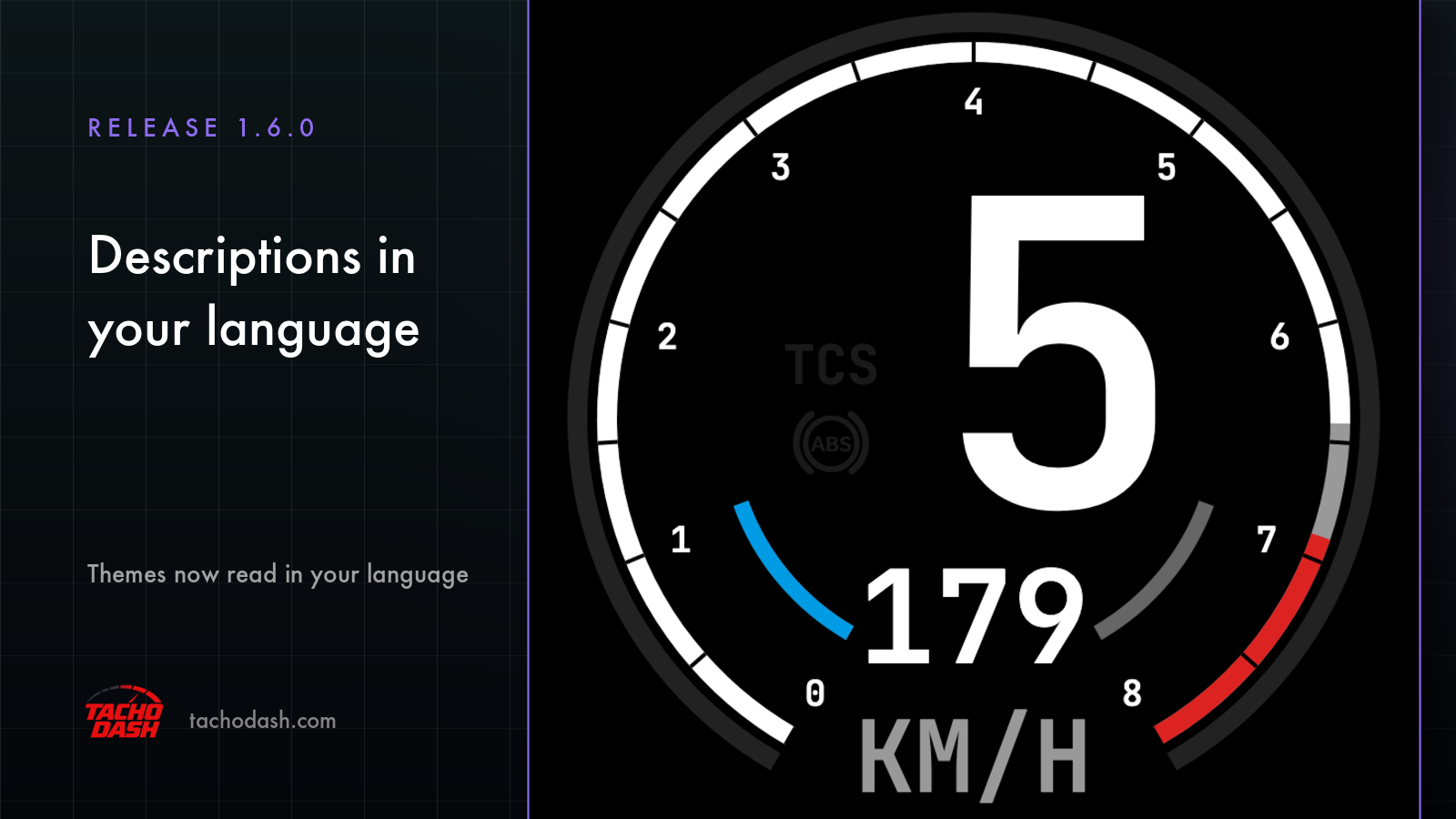
TachoDash 1.6.0 is a one-line release: theme descriptions now appear in your language.
One line is easy to undersell. In an app whose library keeps growing, the description is how you find out what a theme actually is before you commit screen space to it — and reading that in a language you have to work at is the difference between a library and a wall of text.
What changed, exactly
Every theme in the market carries a description: what the dashboard looks like, what it was designed for, what it puts in front of you. Before 1.6.0 the descriptions did not follow your device language. As of 1.6.0 they appear in the language your device is set to.
So the market now reads like a shop rather than a catalogue. A theme you have never seen before comes with a paragraph you can actually parse, in the same language as the rest of the app.
Why this matters more than it sounds
TachoDash themes are not interchangeable skins. They differ in typography, in needle style, in how much of the cluster is drawn and how much is left empty. Some read like a modern digital dash; some are analog and vintage; some are deliberately quiet.
That range is the point of the app, and it is also why a name and a thumbnail are not enough. Descriptions are where the intent lives: why this one is sparse, why that one puts the gear number in the middle, what kind of rig it was drawn for.
Before 1.6.0, a player who did not read the authoring language got a preview and a guess. Now the reasoning comes with the picture.
What is localized, and what is not
Being precise here, because "everything is translated" is the kind of claim that turns into a complaint:
- Theme descriptions — yes, they appear in your language.
- Theme parameter labels — the strings attached to a theme's adjustable settings are localized too, so the controls you touch read in the same language as the description.
- Theme names — not translated. A theme keeps the name it was published under.
That last one is deliberate rather than an oversight. Names are how themes are identified across the store, the market and anything you read about them; translating them would mean the same dashboard had two names depending on who was looking. Keeping names fixed is what makes them findable.
Which languages
The app's interface is available in 10 languages, and the localization follows the device language rather than a separate in-app switch — you set your phone or tablet to a language, and the app reads in it.
One consequence worth knowing: the themes are delivered through the market rather than bundled with a release, so what you see is whatever the market currently serves. If a theme was published before the localization existed, the description you read now is the localized version of it — you do not need to re-download anything to get it.
How to see it
Open the theme market and pick a theme you have never used. Read the description before running it. On 1.6.1 and later the market opens in image view, so the preview and the description are on the same screen — which is the reading order this release was built for: look, then read, then decide.
If the description is in the wrong language, the likeliest cause is the device language, not the app. Changing your phone or tablet's language changes the app's.
What did not change
A short release note should not borrow credibility from things it did not do. In 1.6.0:
- No new themes were added by the app version. Themes arrive through the market.
- The dashboard, the connection settings and the theme engine are unchanged.
- Pricing is unchanged: free themes are included with every install,
Theme T1–Theme T10are single permanent purchases ($0.99–$9.99 each), and the Monthly ($2.99), Quarterly ($7.99) and Yearly ($29.99) passes unlock the premium themes while active. USD prices; local store pricing varies by region. - Units still switch independently (km/h or mph, bar or psi), and theme parameters such as colour are still adjustable in the app.
The two releases together
1.6.0 made the library readable. 1.6.1 made it browsable — image view, with list a tap away, and a Favorites filter. Read as a pair, they are the same project: a growing library is only an asset if you can find your way around it.
If you are setting the app up for the first time, none of this is where to start — start with the connection guide. The market is what you do once the dashboard is already moving.
Get TachoDash
TachoDash is available on the App Store and on Google Play. If you would rather look before installing, the theme library shows the dashboards; the download page has both store links.
TachoDash is an unofficial fan-made project, not affiliated with Playground Games or Microsoft.
Get TachoDash:

