
Theme Preview Ep. 5: Neon Cyber HUD — revs in color
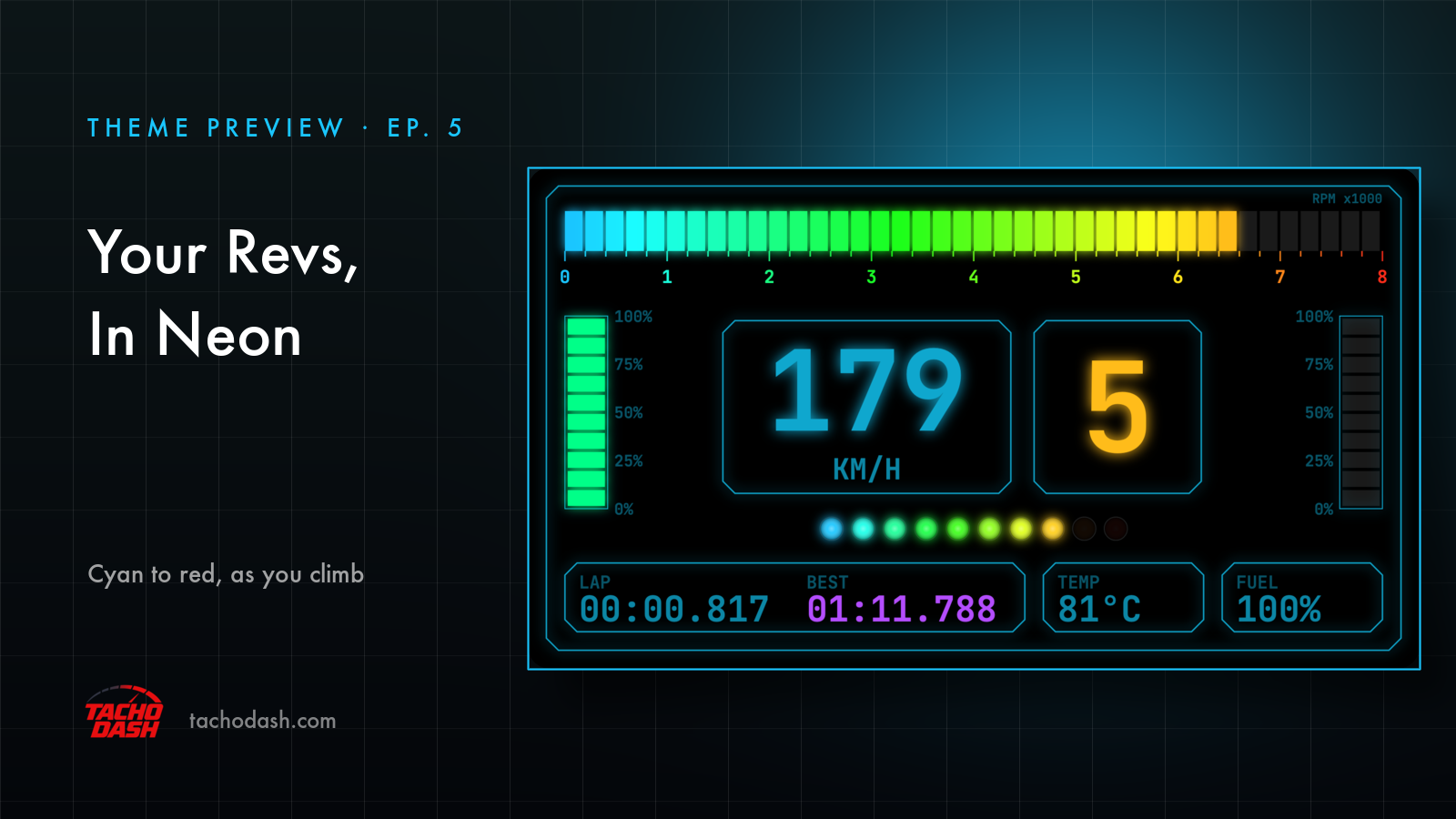
Most dashes want you to look at them. This one you can read out of the corner of your eye, because the whole top of the screen is a single bar: as the revs climb it walks from cyan through green and yellow into red. Nothing to read, really — the color already tells you where you are.
Under it the speed number is big and lit up, gear beside it. The shot above is a lap in progress: fifth, 179 km/h, the bar up in the green-to-yellow part.
The part I end up watching is the row of dots under the speed. They come on one at a time as the revs build, and the whole row blinks red when the game tells you to shift. That's the one to glance at when it matters.
Around the edges it stays calm: throttle and brake in two vertical stacks, and a bottom row of cut-corner panels — LAP, BEST, tire temp, fuel. Black background, neon outlines, nothing else competing.
Accent color and background color are both yours to change — here's how.
How to switch
- Turn on data output in the game — Horizon setup or Motorsport setup.
- Open Themes in the app, search
Neon Cyber HUD, and download it. - Tap Apply. Your connection settings stay where they were.
Which games
Every Forza the app supports: FH5, FH6, FM7, FM2023.
Links
- TachoDash on the App Store
- TachoDash on Google Play
- The theme page
- Running it on a spare phone? Come hang out — discord.gg/8NuNrawqvw
TachoDash is an unofficial fan project.
Get TachoDash:

