
Units, Colours and Layout: Making a TachoDash Theme Yours
# Units, Colours and Layout: Making a Theme Yours
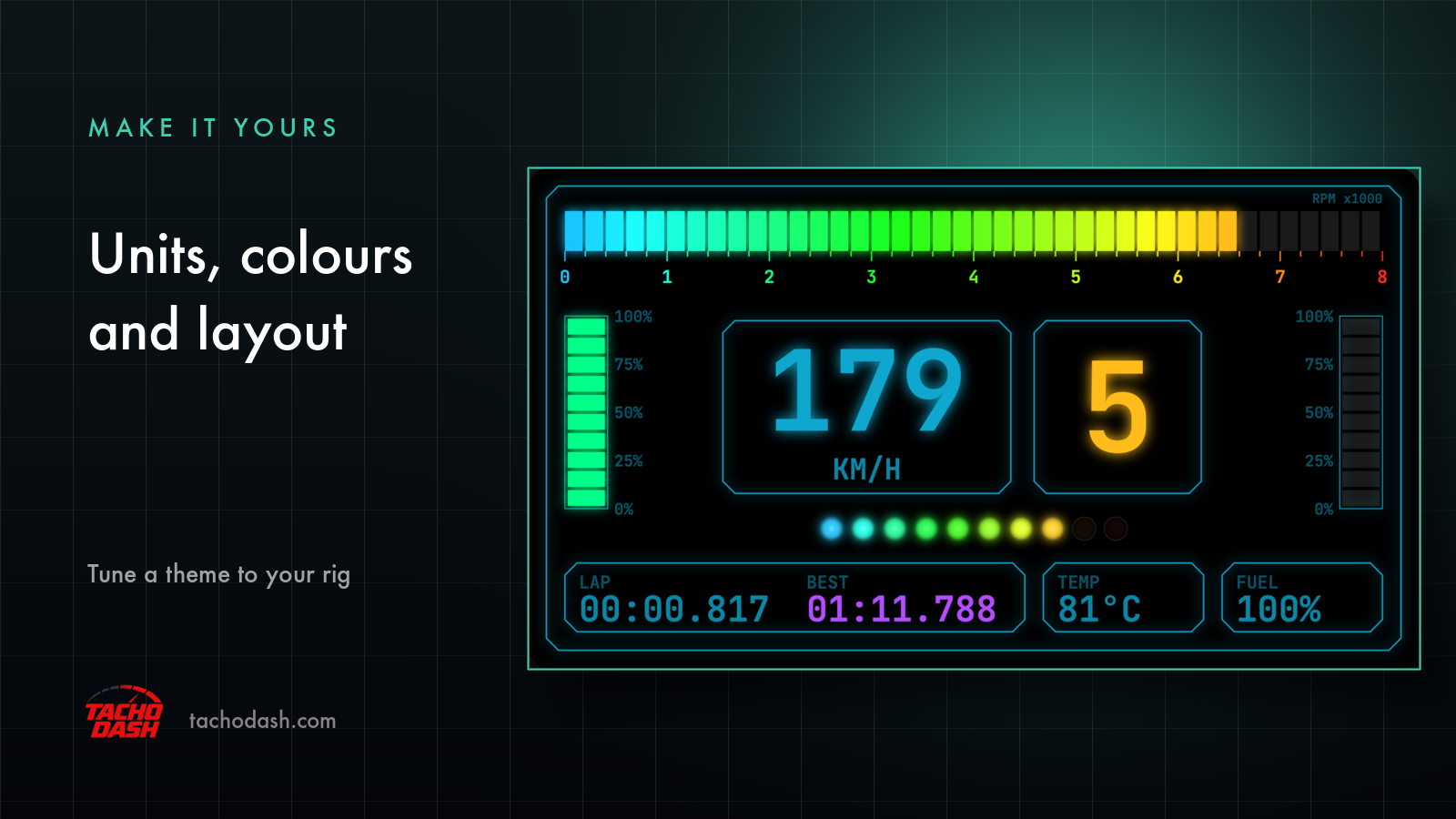
A theme is a finished design, but it is not a fixed picture. Three things can be adjusted after you pick one: the units the numbers are shown in, the theme's own parameters — most visibly colour — and, at the engine level, layout.
This page covers what each of those actually gets you today, including the part most pages skip: where the current limits are.
Units are set independently
The unit settings are not a single "metric or imperial" switch. Each quantity has its own:
- Speed: km/h or mph
- Pressure: bar or psi
Setting pressure to bar does not force speed to km/h. That independence matters more than it sounds: plenty of people read speed in mph out of habit while thinking about boost in bar, because that is how the tuning conversation goes.
The change is immediate and applies to every theme — you are not re-picking a dashboard to get different units, and you do not lose your theme settings by switching.
Theme parameters: the colours
Each theme exposes its own adjustable parameters, and the one you will notice first is colour. Changing it changes the theme's own palette rather than applying a filter over the top — the design stays coherent, which is the point.
This is the feature that turns a library into something closer to your rig. If the dashboard sits next to a wheel with a particular accent, or you have spent an evening getting the room lighting right, a theme that can be tuned to match is worth more than one that is merely nice on its own.
Because parameters belong to the theme, what you can change depends on which theme you are running. A theme built around a single accent colour gives you that accent; one with several elements gives you more to work with.
Layout: customisable, but read this carefully
The engine supports custom layouts. What the current themes do not ship with is layout presets — so the practical situation today is:
- You can customise how a theme looks (units, colours, its exposed parameters).
- You should not expect to rearrange where elements sit as a menu option in the current theme library.
That is a real limitation, and it is worth stating rather than dressing up. If you are choosing the app on the promise of dragging gauges around a canvas, the honest answer today is: that is where the product is heading, not what the shipped themes offer.
What you do get is a library large enough that the arrangement question is usually answered by picking a different theme — some put the gear number in the middle, some wrap the cluster around an analog tacho, some strip everything back to a speed and a shift light. Choosing a layout is, for now, choosing a theme.
Where the settings live
All three live in the app rather than in a game menu or a config file:
- Units are in the app's settings, one switch per quantity.
- Theme parameters are attached to the theme you are running.
- Layout is an engine capability rather than a per-theme option.
Nothing here requires redoing the connection. The game keeps sending to the same address; the dashboard is just drawn differently.
A practical order for setting up
If you are starting from scratch, this sequence wastes the least time:
- Get the connection working first — FH5 and FH6 or the Motorsport format setting depending on your game. A beautiful theme on a frozen dashboard is not much fun.
- Set the units to whatever you actually read. This is a one-time decision you will otherwise re-litigate in the middle of a lap.
- Pick a theme by looking, not by name — the market opens in image view, and every theme has a description in your language.
- Tune the colours last. It is the easiest thing to iterate on and the least likely to make you want to change themes again.
What is not adjustable
Setting expectations honestly, since this is the page people land on when they are hoping for more:
- There is no per-element editor for the current themes.
- Units and colours do not change the geometry of a theme — a big analog tacho stays a big analog tacho.
- Themes are not user-editable files; customisation happens through the options a theme exposes.
If what you want is a dashboard that behaves like a design tool, TachoDash is not that — it is a library of finished clusters you can tune, on a screen you already own.
Premium themes and what you are paying for
Free themes are full themes, not demos, and every install includes them. Premium themes are additional looks: Theme T1 through Theme T10 are single permanent purchases ($0.99–$9.99 each), and the Monthly ($2.99), Quarterly ($7.99) and Yearly ($29.99) passes unlock the premium library while active. USD prices; local store pricing varies by region.
What you are paying for in either case is the design — the typography, the needles, the way the cluster is composed. The tunable parameters come with it.
Get TachoDash
TachoDash is available on the App Store and on Google Play. Browse the theme library to see the designs, or read what TachoDash is first.
TachoDash is an unofficial fan-made project, not affiliated with Playground Games or Microsoft.
Get TachoDash:

