
G-Force, Steering and Lap Timing: The Chassis Side
# G-Force, Steering and Lap Timing: The Chassis Side
The power side tells you what the engine is doing. This side tells you what the car is doing to the road — how hard it is leaning, how much lock you are carrying, and where you are in the session.
Same caveat as the other two pages: these are the readings a theme can draw, described in the terms you would use looking at the screen. Not a complete inventory, and labels or units may change between app versions.
G-force: three axes, one number that matters
G-force is measured in g and drawn as three axes:
- Lateral — sideways load, the one that shows cornering.
- Longitudinal — forward and backward, braking and acceleration.
- Vertical — the load going through the car vertically, which changes over crests and kerbs.
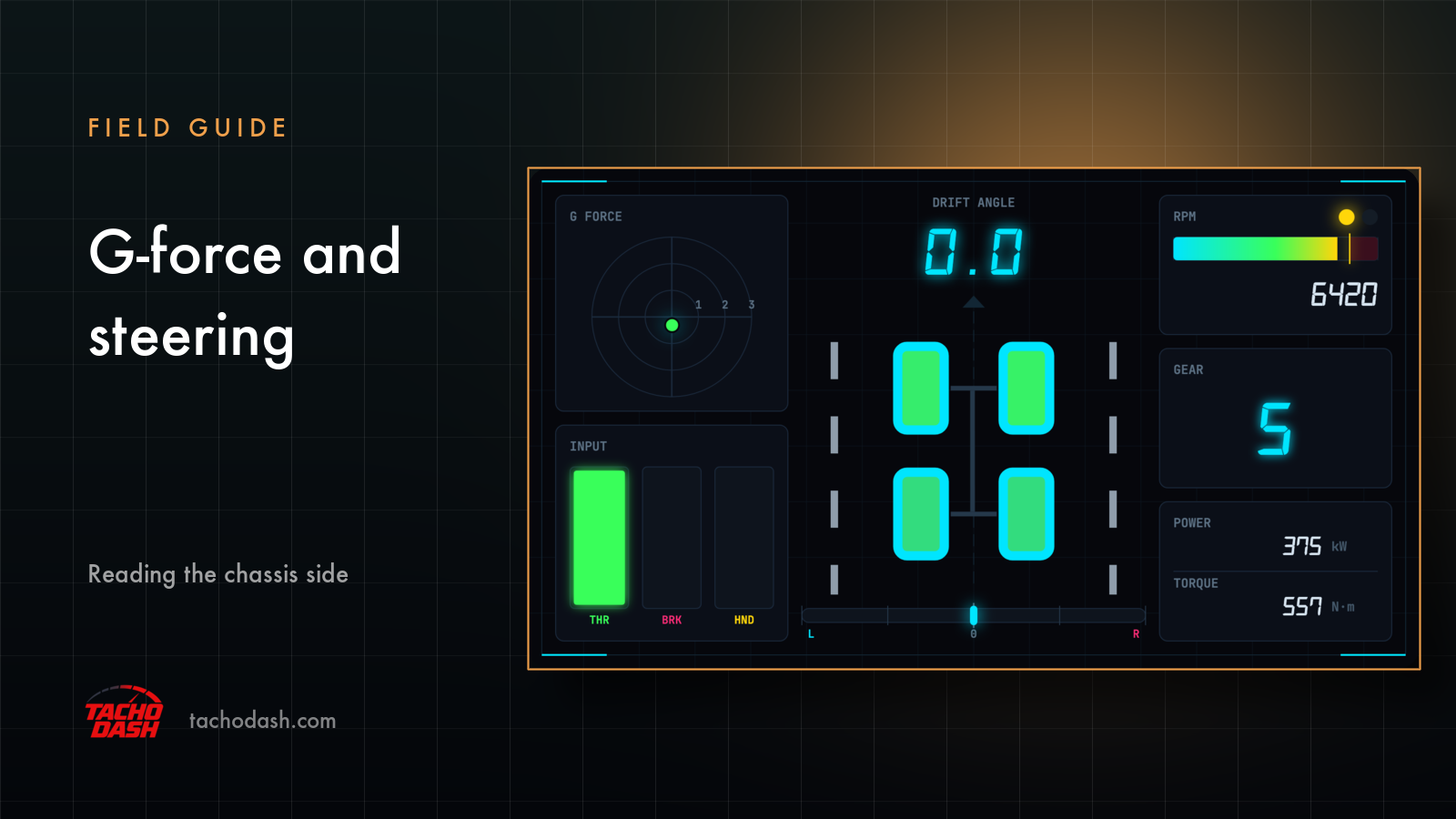
Most themes show one combined dot moving inside a circle, which is the most readable form: the dot's position is the sum of lateral and longitudinal load, and its distance from the centre is how hard the car is working. Others draw two bars and leave vertical out, because vertical load is the least actionable of the three on a road car.
The reason G-force earns a place on a dashboard is that it is the only reading here that describes the corner rather than the engine. A number that peaks at 1.2 g in a long sweeper and 0.7 g in a tight one tells you what kind of track you are on.
Some themes also draw finer motion data — the car's movement along its own axes. Where they do, it is expressed in g as well, so it reads on the same scale as the force readings rather than introducing a second system of units.
Steering input
Steering input is a percentage from full left to full right: how much lock you are applying, and in which direction.
On its own it is a small piece of information. Paired with G-force it becomes a useful one, because the interesting question is not "how much did I turn" but "how much did the car turn for how much I asked" — understeer is visible as a lot of lock and not much lateral load.
Note that steering is an input reading, not a wheel angle: it tells you what you did, not what the front wheels ended up doing.
Performance index and drivetrain
Performance index is the car's single-number rating in the game's own terms. It is context rather than telemetry: it tells you what class of car you are in, which is why it appears on themes built around a race-day look rather than on pure gauge clusters.
Drivetrain says which wheels are driven — front, rear or all. It exists to answer the question you ask in the first corner after switching cars: is this thing going to push or rotate? On a theme it is usually a small text label near the car identifier.
Lap timing: current, best, last
Three different time readings, and the difference between them is the whole point:
- Current lap time — the lap you are driving right now, counting up live. This is the one that lets you feel whether a lap is going well before it ends.
- Best lap time — your fastest so far in the session. The target.
- Last lap time — the lap you just finished. The comparison that tells you whether the change you made worked, and where you lost the time.
Times are in seconds with the usual sub-second precision, and they are the readings people watch most after speed. A dash that shows current and last side by side turns every lap into a small experiment.
Lap number, position, distance
Lap number counts which lap of the event you are on. Trivial, and the field that makes a long stint legible — "lap 8 of this" is a different feeling from "lap 2".
Race position is your place in the running order, changing as you pass or get passed. It is the only socially-shaped number on the dashboard: everything else describes the car, this one describes the field.
Distance from start is how far you are from the start line in the current event, in km or mi. It reads negative before you cross the line — worth knowing, because a negative distance looks like a bug the first time you see it and is not.
Reading the chassis side as a whole
The three groups answer three different questions, which is why they rarely all appear on one theme:
- How hard am I working the car? G-force, and slip if the theme draws it.
- How am I asking it to work? Steering, throttle and brake.
- How is the session going? Current, best and last lap, lap number, position.
Themes built for driving tend to take one of those questions and answer it well. A dash that tries to answer all three on a phone screen usually ends up answering none of them at a glance.
Units and versions
G-force is in g and has no setting. Distance switches between km and mi independently of your other units. Steering and inputs are percentages. Times are times.
As with every field on the site: what you can see depends on the theme, and labels or available units may change between app versions.
Where to go next
- New to the app? Connect FH5 or FH6.
- Revs, gear and pedal inputs? The power side.
- Tyre temperatures and slip? Tyre temperature and slip.
Get TachoDash
TachoDash is available on the App Store and on Google Play. Browse the theme library to find a dash that draws these readings, or start with what TachoDash is.
TachoDash is an unofficial fan-made project, not affiliated with Playground Games or Microsoft.
Get TachoDash:

