
Theme Preview Ep. 4: FH6 Racer — eyes on the track
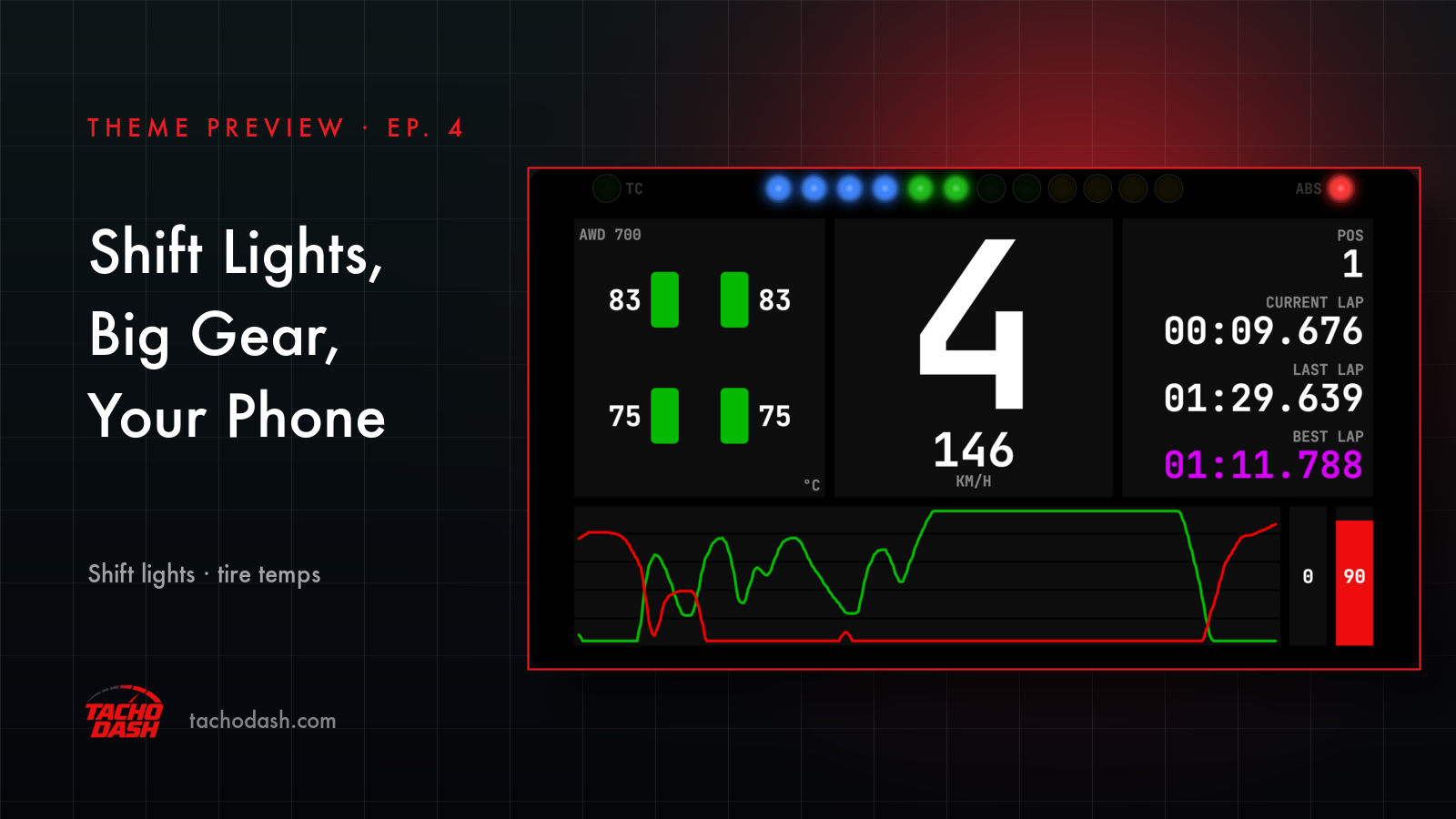
Doing laps means stealing looks at a screen when you'd rather be watching the corner. FH6 Racer is built around that one annoyance: the gear and the speed are big enough to catch in passing, and the shift lights sit at the very top, so they turn up in the corner of your eye before you decide to look.
Nothing on it asks for attention. Black background, white numbers, no decoration. The still above is just a lap in progress — 4th gear, 146 km/h.
The row of lights across the top is the busiest part of the screen. They come up in order as the revs climb, blue first, then green, then yellow, and when it's time to shift the whole row goes red. If you already know the shift light in the game, it's the same cue in a place you can see without looking down.
The other thing you'll end up watching: four tire temperatures down the left, each with a colored block behind the number. Blue when a tire is cold, green through the normal range, orange once it's getting hot. After a long run you can tell which corner is working without reading anything.
That's most of it. Two big numbers in the middle, a cue at the top, four temperatures on the side. Lap times are on the right for when you want them.
How to switch
- Turn on data output in the game — Horizon setup or Motorsport setup.
- Open Themes in the app, search
FH6 Racer, and download it. - Tap Apply. Your connection settings stay where they were.
- Units follow your app setting, and you can change the background and text color — the details are here.
Which games
Every Forza the app supports: FH5, FH6, FM7, FM2023.
Links
- TachoDash on the App Store
- TachoDash on Google Play
- The theme page
- Running it on a spare phone? Come hang out — discord.gg/8NuNrawqvw
TachoDash is an unofficial fan project.
Get TachoDash:

